Finding the Right Fit: Your Guide to 11.6″ 40-Pin LCD Touch Screens
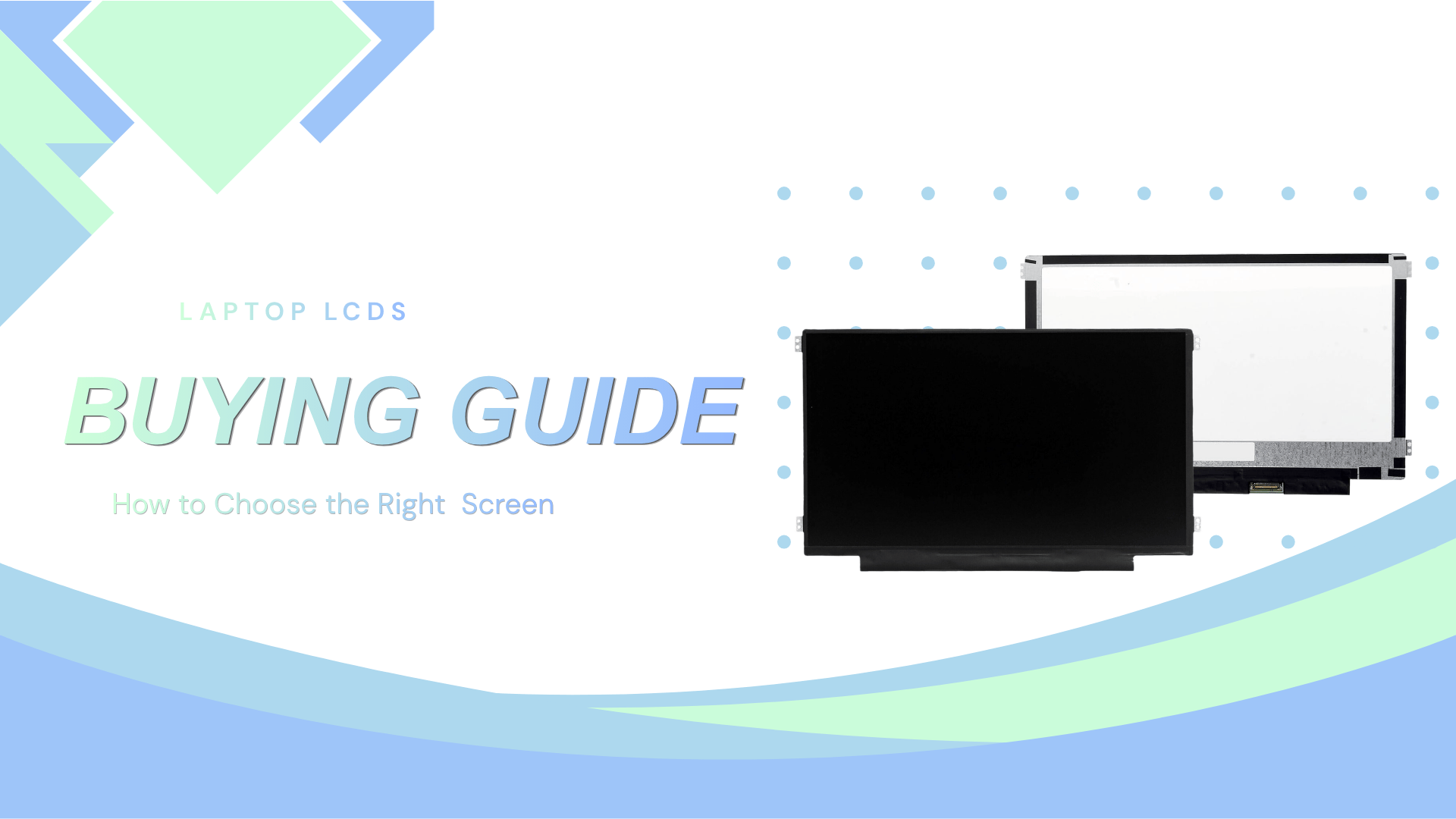
The 11.6″ 40-pin LCD touch screens are a high-demand component frequently utilized in the repair and refurbishment of Chromebooks and portable laptops. Due to its widespread use across educational and corporate hardware, market pricing for this part is highly transparent. To meet diverse budget and technical requirements, we provide four distinct product types ranging from factory-original to cost-modified versions.
This guide outlines the specifications and cost-to-performance ratios of each option to assist in objective procurement decisions.
1. Original Pull
This option consists of a genuine screen removed from an original device. As a factory-standard component, it provides the baseline for quality.
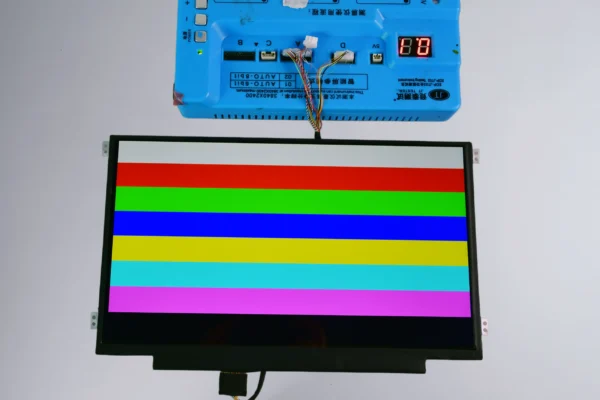
Specifications: Features an IPS (In-Plane Switching) panel for 178° viewing angles and high color accuracy.
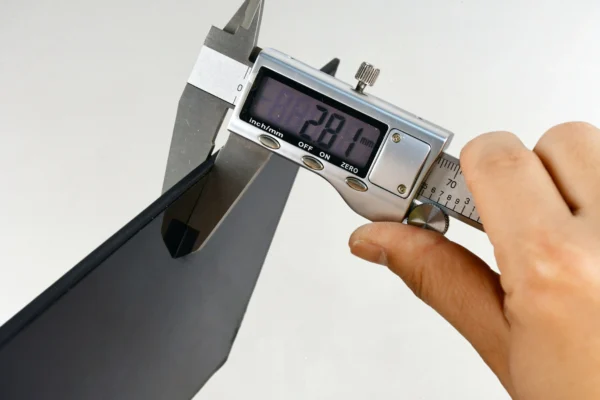
Build: Offers the thinnest profile and most precise fit.
Cost: The highest price point in the lineup.
2. Original LCD + Third-Party Bracket (Standard Structure)
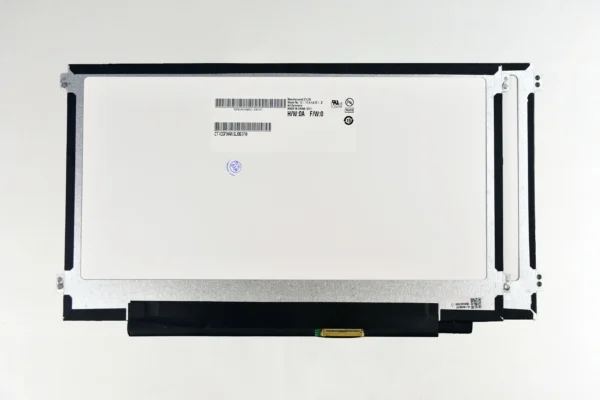
This version utilizes a original LCD integrated into a third-party bracket which has the same structure as the original one.
Specifications: Maintains the visual performance of a IPS display.
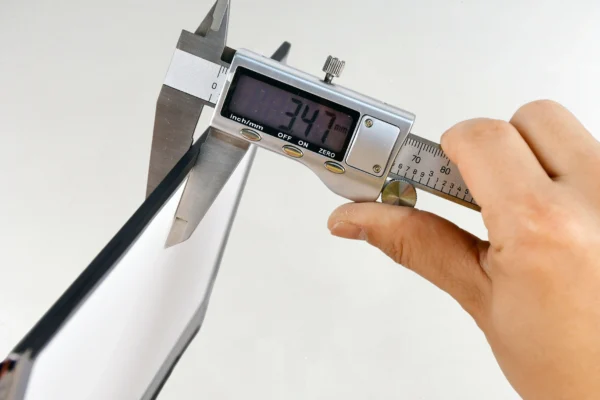
Build: Third highest in terms of thickness/build quality among the first three options.
Cost: Positioned as the second highest cost, offering a slight saving over the Original Pull.
3. Original LCD + Third-Party Bracket (Modified Structure)
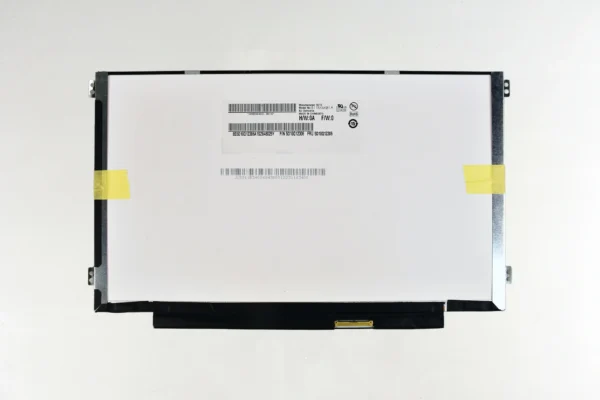
A highly cost-effective solution, this type uses a original LCD but different structural design than the OEM version.
Specifications: Provides the same premium IPS visual performance as Types 1 and 2.
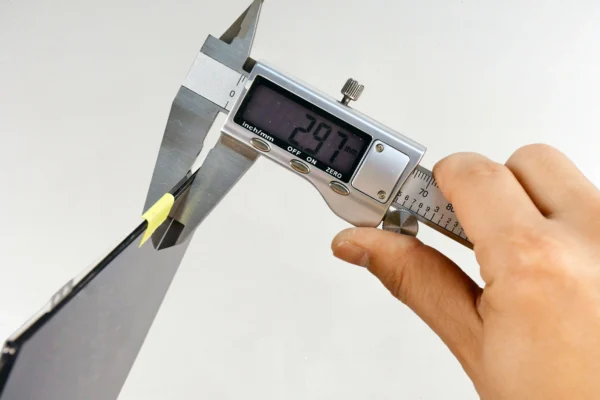
Build: Despite the lower cost, this bracket design typically results in a thinner and sturdier build than Type 2.
Cost: Third highest cost, representing the “value” tier for those requiring IPS performance at a lower price.
4. Modified Connector Quality
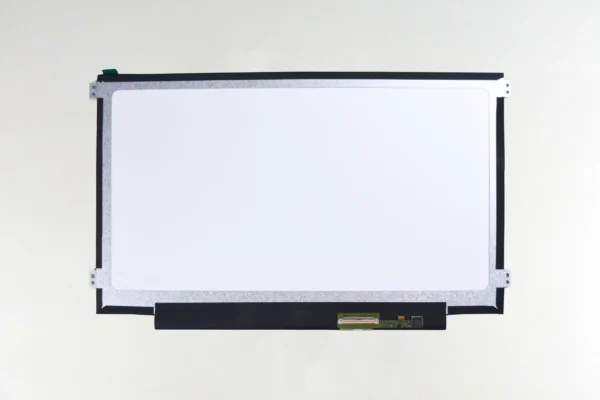
Designed specifically for budget-restricted repairs, this type involves significant modifications to the connector.
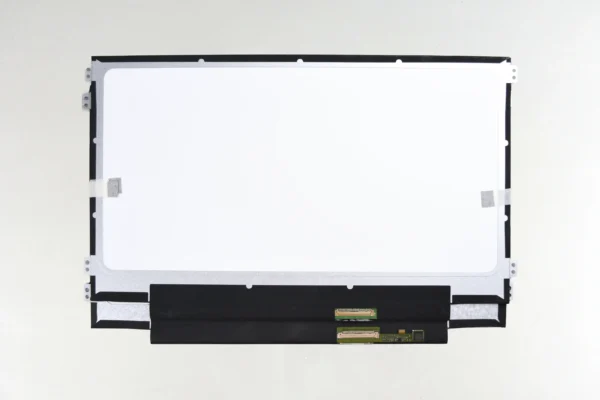
Specifications: It features a modified connector with an additional flex cable.
Build: A separate budget-grade category with a thicker profile.
Cost: The lowest price available for the 11.6″ 40-pin LCD touch screens above.
Technical Comparison Table
The following table ranks each 11.6″ 40-pin LCD touch screen by technical specifications and market cost.
| Product Type | Panel Technology | Build/Thickness Rank | Cost Ranking |
| Type 1 | IPS (Original) | #1 (Best) | Highest |
| Type 2 | IPS (Original) | #3 (Good) | Second Highest |
| Type 3 | IPS (Original) | #2 (Better) | Third Highest |
| Type 4 | Standard (Modified) | Budget Grade | Lowest |
Summary for Procurement
Selecting the appropriate 11.6″ 40-pin LCD touch screen depends on the specific requirements of the repair project:
For OEM Restoration: Type 1 provides the exact factory experience.
For Balanced Value: Type 3 is often the most efficient choice for high-volume repairs, offering an original IPS display and superior build quality at a reduced cost.
For Budget Utility: Type 4 serves as a functional solution for older hardware or large-scale educational deployments where cost is the primary driver.
Frequently Asked Questions
What is IPS LCD?
IPS (In-Plane Switching) is a premium display technology used in many 11.6″ 40-pin LCD touch screens models. Unlike standard TN (Twisted Nematic) panels, IPS technology aligns liquid crystals in a plane parallel to the glass. This results in superior color reproduction and significantly wider viewing angles. On an IPS screen, the image remains clear and accurate even when viewed from the side, whereas standard panels often suffer from “color shifting” or washing out when viewed at an angle.
What is the part number of the 11.6″ 40-pin LCD touch screens?
While many compatible models exist, the most common manufacturer part numbers for this specific screen assembly include:
NT116WHM-T00 (BOE)
B116XAK01.0 (AUO)
NV116WHM-T03 (BOE)
B116XAK01.2 (AUO)
These part numbers refer to the integrated LCD and digitizer assembly used extensively in Chromebook models from Acer, HP, Dell, and Lenovo. When ordering, verifying these specific numbers ensures the 40-pin eDP interface and touch protocols match your device’s motherboard.
Ready to get your device back in action?
Select the type that matches your needs above, or contact us if you have any questions about compatibility with your specific Chromebook or laptop model!